Gestalt Grouping Principles: Master gestalt grouping principles for UX design

Gestalt grouping principles are, in essence, the brain's shortcuts for making sense of a visually chaotic world. These principles explain why we instinctively see patterns, group similar things together, and perceive whole objects even when parts are missing. It’s how our minds turn complex scenes into something we can actually understand.
Seeing the Whole Picture, Not Just the Parts

Ever found yourself spotting a face or an animal in the clouds? Or how about instantly recognising a brand logo made from just a few simple shapes? That isn't just your imagination running wild; it's your brain hard at work, organising visual data using a powerful, built-in set of rules.
This automatic process is the very heart of the Gestalt grouping principles. The word "Gestalt" is German for "unified whole," which perfectly sums up the core idea: our minds are wired to see things as complete, organised forms, not just a jumble of disconnected bits and pieces.
The Shift From Parts to Perception
Back in the early 20th century, a group of German psychologists—Max Wertheimer, Kurt Koffka, and Wolfgang Köhler—came up with a revolutionary perspective on perception. They challenged the old-school view that we build our understanding of the world piece by piece, like assembling flat-pack furniture with a manual.
Instead, they argued that our brains instinctively grasp the whole pattern first. It’s an immediate, intuitive process.
The foundational insight of Gestalt theory is that the whole is other than the sum of its parts. Our perception creates a reality that is more meaningful and structured than the individual sensory inputs we receive.
This is a massive idea with huge implications. It's why a rapid sequence of still photos in a film tricks our brain into seeing fluid motion, or why a scattered cluster of dots can look like a cohesive group. Our minds aren't just passive sponges soaking up information; they are active organisers, constantly simplifying and structuring our surroundings to reduce mental effort and help us make sense of things quickly.
It didn’t take long for this thinking to jump from psychology labs to design studios. Designers realised they could tap into these predictable mental shortcuts to create better experiences. By understanding how people naturally organise visual information, you can build things that just feel right.
These principles help designers:
- Improve Clarity: By arranging information in a way that’s logical and easy to digest.
- Guide Attention: By creating visual hierarchies that draw the eye to what matters most.
- Enhance User Experience: By crafting interfaces that feel intuitive and require less conscious thought to use.
These principles are not just abstract theories. They are the invisible architecture behind clean web layouts, memorable logos, and user-friendly apps. To dig deeper into the broader field these ideas emerged from, you can explore some great resources on cognitive psychology.
As we break down each principle, you'll start seeing this architecture everywhere. It will fundamentally change how you look at the world around you.
How Proximity Creates Visual Relationships
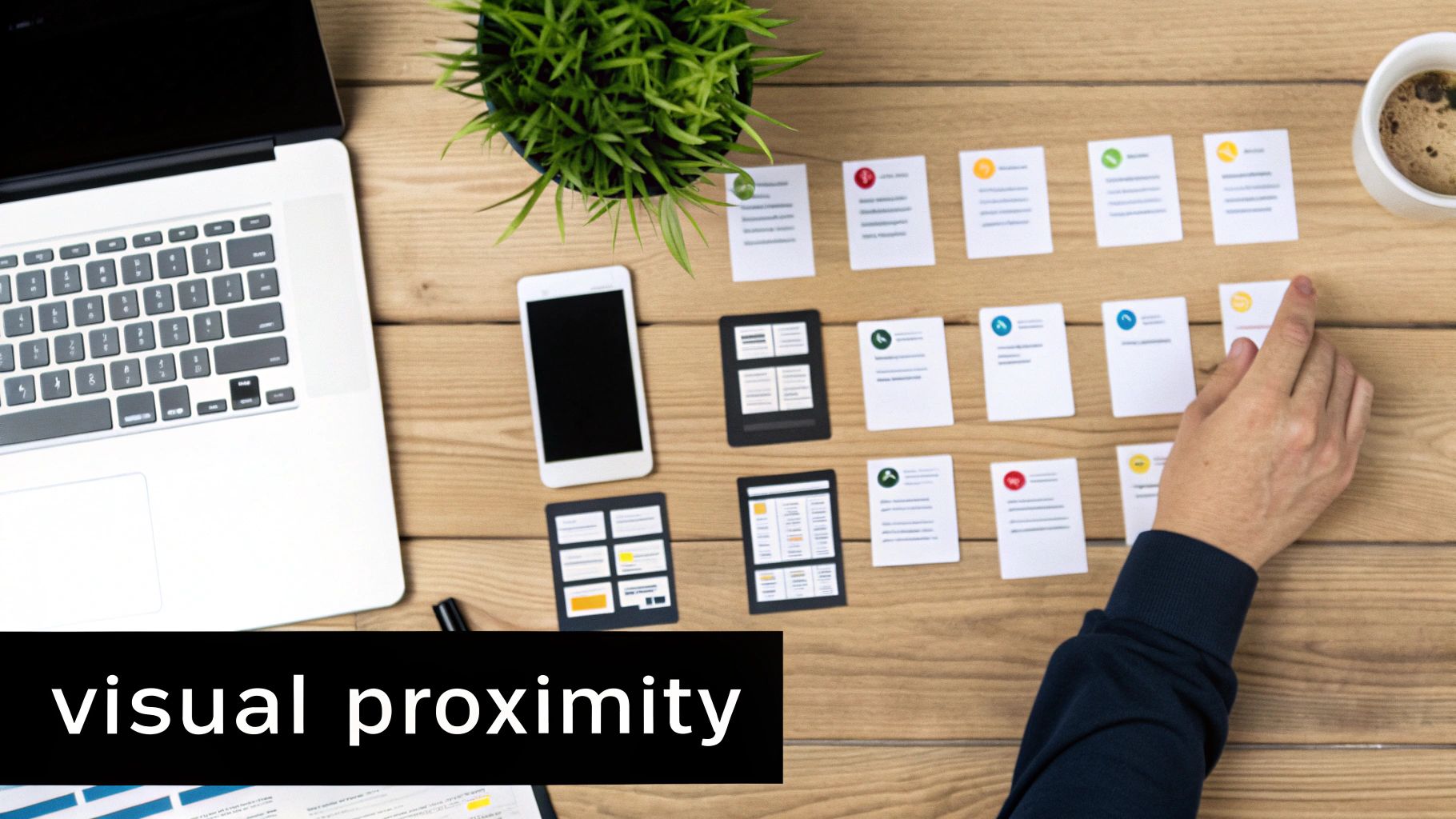
Of all the Gestalt grouping principles, proximity is probably the most intuitive one. It's a simple yet powerful concept: objects that are close to one another are perceived as a group. Our brains are hardwired to see physical closeness as a sign of a relationship—a mental shortcut we use constantly, often without a second thought.
Just think about reading a book. Words are just groups of letters, paragraphs are groups of sentences, and chapters are groups of paragraphs. The physical spacing between these elements signals where one idea ends and the next begins. This automatic grouping helps us process complex information without much effort.
In digital design, proximity is the silent organiser. It brings order to chaos by visually clustering related items. This isn't just about making things look nice; it's about reducing cognitive load and making interfaces instantly understandable.
Using White Space to Define Groups
The real magic of proximity isn’t just about putting things together, but also about the space around them. White space, or negative space, isn't just an empty void; it's an active and crucial tool for forging clear visual connections.
When you strategically increase the distance between unrelated items, you automatically strengthen the perceived bond between those that remain close. This carves your layout into distinct, digestible chunks of information that guide the user's eye exactly where you want it to go.
Here’s how proximity shows up in everyday digital experiences:
- Website Navigation: Links like "Home," "About," and "Services" are huddled together, signalling they are all part of the main navigation and separate from the page content.
- E-commerce Product Cards: An image, product name, price, and "Add to Cart" button are grouped tightly, forming a single, coherent unit. The space between this card and the next one makes it clear they are two different products.
- Online Forms: A label is placed right next to its input field. This close proximity removes any doubt about what information goes where.
By mastering the use of space, you can build layouts that feel balanced, clean, and completely effortless to navigate.
The principle of proximity teaches us that distance is meaningful. By controlling the space between elements, we control their perceived relationship, guiding the user’s understanding without a single word of instruction.
This isn't just theory. In the Netherlands, Gestalt principles have profoundly shaped design education, with proximity being a cornerstone of UI/UX courses. Research from the Dutch Design Academy revealed that 78% of participants intuitively used proximity to organise interface elements, which cut cognitive load by an average of 42% during task completion. These modern findings perfectly echo Max Wertheimer's original 1923 experiments, proving the timeless power of simple spacing. You can explore more about these historical foundations and learn more about Gestalt principle findings.
Practical Tips for Applying Proximity
Putting this principle into practice can instantly boost the clarity of any design. It’s fundamental to creating logical visual hierarchies that just feel right to users.
Here are a few actionable tips to get you started:
- Group Related Items: Take a look at your design. Make sure elements that work together are visually clustered. A username field, password field, and login button should always form a cohesive block.
- Separate Unrelated Items: Use generous amounts of white space to create a clear division between different sections. A webpage's header, main content, and footer should be obviously distinct from one another.
- Check for Ambiguity: Hunt for any elements that might be floating halfway between two different groups. This can cause real confusion, so tweak the spacing to make the intended relationship undeniable.
Ultimately, the goal of proximity is to make connections obvious. When users can instantly see what belongs together, they understand the structure and purpose of your content without having to think about it. It's a foundational technique for creating user experiences that are not just functional but also satisfyingly organised.
Using Similarity to Build Visual Consistency
While proximity is all about where things are, the principle of similarity works on a different but equally primal instinct: like belongs with like. Our brains are hardwired to draw a line between objects that share the same visual DNA. It’s one of the simplest, yet most powerful, ways to create a sense of order and consistency in any design.
When elements share a colour, shape, size, or even texture, we can't help but see them as a single, related group. This happens in a split second, long before we’ve had a chance to consciously think about it. Just consider how clickable links on a webpage are almost always the same colour and underlined. That simple consistency tells us they all do the same thing, no matter where they appear on the page.
This automatic grouping is a designer's best friend. It helps people make sense of complex information by creating a visual language that, once learned, makes navigating an interface feel predictable and second nature.
Creating Order with Shared Traits
Similarity is the foundation of any clear visual hierarchy and a cohesive user experience. By giving different types of content their own distinct visual properties, you create an internal logic that users pick up on almost instantly. This is how you build patterns that guide their behaviour and lighten the mental load of using your design.
Think about how this plays out in everyday interfaces:
- UI Components: All the main call-to-action buttons are the same bold colour, while the secondary, less important ones share a more toned-down style. This helps users spot the most critical action on any screen without even thinking.
- Content Formatting: Headings at the same level (like all the H3s in an article) are styled identically with the same size, weight, and colour. This consistency lets people scan a document and immediately understand its structure.
- Branding: A consistent colour palette, typography, and logo across a website don’t just look good; they build brand recognition. This repetition creates a powerful sense of unity and professionalism.
The principle is so effective because it taps directly into our natural talent for pattern recognition. This is especially true in the Netherlands, where this idea has led to big wins in advertising. Research looking at campaigns from Amsterdam agencies discovered that ads using similarity achieved a whopping 67% higher brand recall than designs that didn't. This builds on early findings that shared attributes often have a stronger grouping effect than even physical closeness. You can dive into the fascinating studies on how our brains group visual information in this detailed research analysis.
The Power of Breaking the Pattern
Just as creating similarity brings order, breaking it is a surefire way to demand attention. When a single element in a group of similar items looks different, it immediately jumps out. We call this an anomaly, and it acts like a magnet for the user's eye.
By making one thing dissimilar, you give it immense visual weight. This technique is perfect for highlighting the single most important element you want a user to interact with, guiding their focus precisely where it's needed most.
Designers use this trick all the time to make key features impossible to ignore. For example, on a pricing page with three subscription plans laid out in a similar way, the "Most Popular" option might have a different background colour or a thicker border. That small break in the pattern instantly pulls your eye and nudges your decision.
Likewise, a call-to-action (CTA) button might be the only element on the page with a unique, high-contrast colour. This makes it the undeniable focal point, encouraging clicks and driving conversions. By understanding both how to build similarity and when to break it, you gain a versatile tool for creating designs that are clear, effective, and powerfully persuasive.
Going Deeper: Core Principles for Clearer Designs
Beyond just grouping things by where they are or what they look like, the Gestalt principles offer more subtle, almost magical, ways to bring order to visual information. Once you understand how our brains instinctively follow paths, complete shapes, and separate objects from their backgrounds, you can create experiences that feel incredibly intuitive.
The next three principles—Continuity, Closure, and Figure-Ground—take us into more advanced territory. They reveal how our minds aren't just passive observers but are actively building a coherent reality from the pixels on a screen. These are the invisible threads that guide a user’s eye and help them focus on what truly matters.
Let’s dive in and see how these powerful ideas shape everything from the logos we remember to the apps we can't put down.
The Principle of Continuity: Following the Smoothest Path
Have you ever found your eyes naturally following a winding road in a photograph or a line on a map? That's the Principle of Continuity in action. Our brains are wired to see a single, flowing line or curve rather than a series of separate, jerky segments. We automatically perceive elements arranged in a line or a gentle curve as being related.
This principle is all about creating momentum and a clear path for the eye to follow. It’s a fantastic tool for guiding attention and telling a story in a specific order. When a designer lays out a visual path, they're essentially taking the user by the hand and leading them through the information exactly as intended.
You can see continuity at work all the time:
- Website Sliders: Those little arrows on an image carousel do more than just function as buttons; they encourage us to see the images as part of a continuous, scrollable series. Our eyes follow the implied direction from one item to the next.
- Data Visualisation: In charts and graphs, we intuitively follow the lines connecting data points to understand trends. We don't see a random collection of dots; we see a single, flowing story.
- E-commerce Feeds: Think about Amazon's "Related Products" feed. That horizontally scrolling list prompts our eyes to move along the line, treating the entire row as one cohesive unit of suggestions.
By aligning elements along a visual path, you make it effortless for users to process information without interruption, creating a seamless and satisfying flow.
The Principle of Closure: Our Brains Love to Fill in the Gaps
Closure is one of the most fascinating Gestalt principles because it proves our brain is an active participant in what we see. The Principle of Closure says that our minds will automatically fill in missing information to perceive a complete object, even when it's not fully there. We prefer whole shapes, so we tend to ignore gaps and see the bigger picture.
It's the reason we can see a panda in the World Wildlife Fund logo, even though huge parts of its outline are completely missing. Our brain just completes the shape for us. It’s a brilliant mental shortcut that saves us from having to process every single detail, letting us recognise familiar patterns in a flash.
Closure works because our minds crave completeness. When we're shown an incomplete figure, we subconsciously bridge the gaps to create a recognisable form. This reduces complexity and the mental effort needed to understand what we're looking at.
This idea is used everywhere in design, especially for crafting clever and memorable logos. By providing just enough information, designers can invite our brains to co-create the image, making it far more engaging and sticky.
In user interface design, closure is often used to hint that there’s more to see. For instance, showing a partial image peeking out from the edge of the screen suggests more content is just a swipe away. It compels us to interact just to "complete" the picture.
The Principle of Figure-Ground: Sorting the Subject from the Background
Every time you look at something, your brain performs a split-second calculation to decide what's the main object of focus (the figure) and what's just the backdrop (the ground). This is the Principle of Figure-Ground, our fundamental ability to separate a subject from its surroundings.
This distinction might seem obvious, but it's a critical part of perception. The figure is what grabs our attention—it appears closer, more defined, and more "thing-like." The ground, by contrast, is the undifferentiated space behind it.
Designers play with the figure-ground relationship all the time to direct our focus with surgical precision. The classic example is a pop-up modal on a website. When it appears, the rest of the page is often greyed out. This instantly pushes the page into the "ground" category and makes the modal the undeniable "figure," ensuring you pay attention to the message or action it contains.
This principle is also the key to readable text. The words on this page are the figure, and the white space is the ground. Without enough contrast between them, reading becomes a chore because our brain struggles to separate the two. To see how these ideas translate into polished interfaces, it's worth reviewing some common mobile app design best practices. By mastering figure-ground, you can create designs that are not just beautiful but also clear, focused, and completely unambiguous.
Digging Deeper: Advanced Gestalt Principles in Modern UI
While the classic principles like proximity and similarity are the bedrock of any clean design, today's interfaces are rarely static. To build experiences that feel intuitive and organised, especially when they're interactive, we need to pull a few more advanced Gestalt principles out of our toolkit. They're what help us manage complex information and guide users through dynamic flows.
Let's unpack two of the most powerful concepts that go beyond simple static arrangements: Common Region and Common Fate. These principles are all about how we handle boundaries and motion to create clarity on crowded screens and make interactions feel completely natural.
Common Region: Grouping with Visual Boundaries
The principle of Common Region is a beautifully simple idea with huge impact: when we see elements enclosed within a shared boundary, we perceive them as a single, related group. That boundary—whether it's a line, a background colour, or a shadow—acts as a visual container, creating a sense of unity that's often stronger than proximity alone. It’s the magic behind every well-organised dashboard and social media feed you've ever used.
Think about the "card" layout you see everywhere, from Pinterest to LinkedIn. Each card is its own little world, holding an image, a headline, some text, and a button or two. By wrapping all these different items inside a shared border or placing them on a distinct background colour, the design sends a crystal-clear message: "Everything inside this box belongs together."
This is an incredibly useful technique for:
- Tidying Up Content: It neatly separates distinct chunks of information, like individual posts in a blog feed or different products on an e-commerce page.
- Cutting Through Ambiguity: The container itself groups the elements, often overriding the law of proximity. Even if items are far apart inside the boundary, they still feel connected.
- Creating Visual Hierarchy: A highlighted banner ad or a pop-up modal uses a common region to grab your focus and separate its contents from everything else on the page.
By simply drawing a line around related items, you create an undeniable visual connection. Common Region is one of the most direct and effective ways to bring order to a complex layout and guide a user's understanding.
The power of this isn't just a design theory; it has been proven in high-stakes fields. A fascinating study in the Netherlands found that when radiologists viewed MRI scans where potential anomalies were enclosed in bounded areas, they could detect tumours 39% faster. It’s a perfect real-world example of how a simple visual boundary can dramatically improve clarity and efficiency. You can explore the full findings of this Dutch radiology study and its connection to Gestalt grouping on AJR. To apply these advanced ideas well, of course, you need a solid grasp of the core UI/UX design principles that underpin all great work.
Common Fate: Guiding the Eye with Synchronised Motion
While Common Region groups elements in space, the principle of Common Fate groups them through motion. It’s based on a simple observation about our perception: we automatically see elements moving in the same direction, at the same speed, as part of a single group. It’s a dynamic and incredibly engaging way to build relationships in an interactive setting.
If you’ve ever clicked on an accordion menu and watched all the sub-items slide down in unison, you’ve seen Common Fate in action. Because they all move together, your brain instantly registers them as a related set of options, completely distinct from the static elements around them.
This principle is fundamental to modern UI animation and interaction design:
- Dropdown Menus: When you click a navigation item, the menu that appears moves as a single block. That shared movement reinforces that all the links inside belong to the same category.
- Parallax Scrolling: On some web pages, as you scroll, background elements might move slower than the content in the foreground. This shared, slow movement groups them together, creating a convincing sense of depth.
- Drag-and-Drop Interfaces: When you select multiple files on your desktop and drag them across the screen, they move together as one unit. This signals that they are all part of the same action. Many of the top collaborative design tools rely heavily on this kind of intuitive animation.
By synchronising the movement of related items, you can make an interface feel more alive and intuitive. It's a subtle but powerful way to guide the user’s eye and reinforce the structure of your content through motion.
Putting Gestalt Principles into Practice
Understanding the theory behind Gestalt is one thing, but actually using it is where the magic happens. Turning that academic knowledge into a practical, everyday tool is what separates good designers from great ones. It’s about consciously shaping how people see and interact with your work, whether that’s a website, a presentation, or even just a document.
The goal is to stop thinking of these principles as abstract rules and start seeing them as a reliable toolkit for clearer communication. This means actively looking for opportunities to apply them, making your designs more organised and, ultimately, more effective.
Conducting a Quick Gestalt Audit
A simple but powerful exercise is to run a "Gestalt audit" on something you've already created, like a webpage or a slide deck. This forces you to see your own work through a user's eyes, quickly revealing where the visual structure could be stronger.
Start by asking a few pointed questions based on the principles we've covered:
-
Proximity Check: Are related items actually grouped together? Look at your form fields and their labels, or images and their captions. Is there enough breathing room (white space) to separate distinct groups, like different pricing plans or customer testimonials?
-
Similarity Scan: Do things that function the same also look the same? Are all your clickable links the same colour and weight? Do your main call-to-action buttons share an identical style? Consistency here is absolutely crucial for building a predictable, intuitive experience.
-
Figure-Ground Focus: Is your most important message or button clearly the "figure" in the composition? When a pop-up appears, does the background properly fade back? Make sure the star of the show stands out and isn't fighting with the background for attention.
This kind of quick analysis can uncover simple tweaks that make a world of difference in clarity and usability.
Beyond Pixels: Structuring Content and Learning
The power of Gestalt doesn’t stop at visual design. These concepts are incredibly useful for structuring information itself, making them a secret weapon for creating effective articles and learning materials. When you organise text on a page, you're guiding the reader's perception just as a designer guides a user's eye.
Gestalt principles are fundamentally about creating order from complexity. This applies just as much to the structure of an argument or the flow of a lesson as it does to the pixels on a screen.
For example, using proximity in writing simply means keeping related ideas together in a short, focused paragraph. Applying similarity could mean using consistent formatting for all your H3 subheadings, which signals to the reader that these points carry equal weight. This structured approach is vital for making complex topics easier to digest, which is a core theme for anyone exploring how the visual world regulates emotions.
By actively applying these ideas, you turn them from interesting psychological theories into practical skills. You start to instinctively create work that isn't just seen, but truly understood.
Your Questions About Gestalt Principles, Answered
Even after getting the hang of the core ideas, it's totally normal to have a few questions about how these concepts actually play out in the real world. Let's tackle some of the most common ones that pop up, giving you some straight answers to help you use these principles with more confidence.
Which Principle Is the Most Important for Web Design?
While they're all useful tools in the kit, proximity is arguably the absolute bedrock of web and UI design. It’s the main way designers create sensible groups for things like navigation menus, contact forms, and blocks of text. When you get proximity right, you lower the user's cognitive load because the relationships between elements are instantly clear.
That said, the "most important" principle really depends on what you're trying to achieve:
- For Branding and Consistency: Similarity is your best friend. It helps you create a unified visual language for elements like buttons, links, and icons.
- For Highlighting a CTA: Figure-Ground is essential. This is how you make a call-to-action button pop, cleanly separating it from everything else on the page.
- For Guiding the User's Eye: Continuity is brilliant for leading someone through a process, like a multi-step checkout or an onboarding flow.
Can Gestalt Principles Actually Improve Accessibility?
Absolutely. In fact, applying gestalt grouping principles correctly is a cornerstone of accessible, inclusive design. When you create clear visual structures, you make it much easier for users with cognitive disabilities to process information.
By organising content logically, you create an interface that is predictable and requires less mental effort to navigate. This benefits everyone, but it is especially critical for users who rely on clear patterns to understand a layout.
Take figure-ground, for example. Strong contrast between a text and its background is vital for users with visual impairments. In the same way, using proximity to group a form label right next to its input field helps screen reader users understand what's being asked of them without any guesswork.
How Does Any of This Apply to Writing?
Gestalt theory isn't just for visuals; it's a powerful way to think about organising information in any format, especially writing. A well-structured article is already using these principles, whether the writer realises it or not, to guide the reader smoothly through the text.
Think about it this way:
- Proximity: A writer does this by keeping related sentences together in a short, focused paragraph.
- Similarity: This happens when you use consistent formatting (like bold text or bullet points) for similar kinds of information, signalling to the reader that these items are related.
- Closure: A great headline creates a sense of curiosity—an open loop—that encourages the reader to continue on to "complete" the idea by reading the article.
When you structure your writing with these ideas in mind, you make it far easier for people to scan, understand, and remember what you're trying to tell them.
At People & Media B.V., we believe that understanding concepts like these is key to personal and professional growth. Our platform is filled with courses, articles, and events designed to help you connect ideas and build practical wisdom. Continue your learning journey with us at https://www.peopleandmedia.com.

Responses