The 12 Best Apps for Writing in 2026: From Novels to Notes

The perfect writing environment can transform your process, turning scattered thoughts into structured prose and chaotic outlines into coherent narratives. But with countless options available, from minimalist text editors to powerful project management suites like Scrivener and Final Draft, how do you find the one that truly fits your workflow? The search for the best apps for writing often feels overwhelming, leading to choice paralysis instead of productivity.
This guide is designed to cut through that noise. We’ve meticulously researched, tested, and categorised the top tools to help you make an informed decision without the guesswork. Whether you're a novelist organising complex timelines, a student drafting academic papers, a blogger focused on distraction-free creation, or part of a team collaborating on a script, the right software is here. We move beyond generic feature lists to provide a comprehensive analysis of what makes each app unique.
Inside, you will find detailed breakdowns for each application, complete with screenshots and direct links. We’ll explore specific use cases, honest pros and cons, transparent pricing information, and potential integration workflows. While many of the solutions we cover are premium, it's also worth exploring the best free note-taking apps, as many of them offer robust functionality for various writing needs without a price tag. Our goal is to give you practical insights into the real-world experience, helping you understand not just what an app does, but how it feels to create with it, enabling you to finally choose your ideal digital partner.
1. Apple App Store
For writers invested in the Apple ecosystem, the App Store is the essential starting point and a premier destination for discovering powerful apps for writing. It’s not a single application but a vast, curated marketplace offering everything from minimalist text editors and robust novel-planning software to specialised tools for screenwriting and journaling. Its strength lies in its strict vetting process, ensuring a high standard of quality, security, and user privacy across its catalogue.
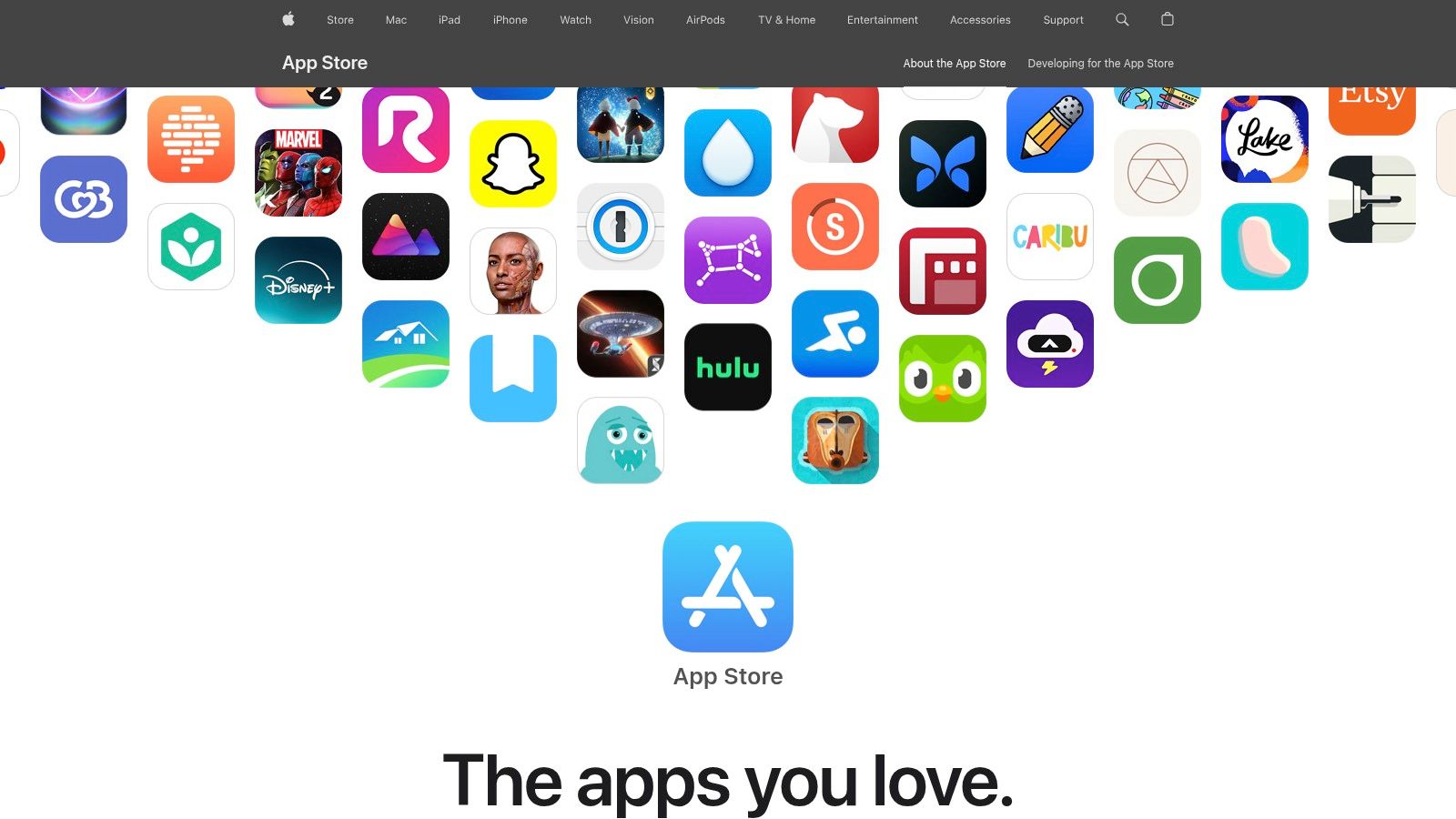
The platform excels at discovery. Apple’s editorial team frequently organises apps into curated collections and features standout tools on the "Today" tab, making it easier to find hidden gems. Each product page provides comprehensive details, user reviews, and clear privacy labels, helping you make an informed choice before downloading.
Key Considerations
Deep integration with iCloud ensures your work syncs seamlessly across your iPhone, iPad, and Mac. For families or small teams, the Family Sharing feature for many paid apps provides excellent value. However, the platform's biggest limitation is its exclusivity; it is only available on Apple devices. Pricing models vary widely, with many top-tier apps shifting towards subscriptions, which can be a significant consideration for budget-conscious writers. The user experience is consistently smooth, and Apple handles all transactions, offering straightforward refund support when needed. For users in the Netherlands, all prices are conveniently displayed in euros, with VAT already included.
- Best For: Writers deeply integrated into the Apple ecosystem seeking high-quality, secure, and well-supported applications.
- Pricing: Varies (Free, one-time purchase, subscription-based).
- Availability: iOS, iPadOS, macOS.
2. Google Play Store
For the vast majority of non-Apple users, the Google Play Store is the go-to digital marketplace and a massive resource for discovering apps for writing. As the official app repository for the Android operating system, it offers an enormous catalogue of tools, ranging from simple note-taking apps and powerful word processors to specialised software for scripting and journaling. Its greatest strength is its open nature, providing an incredible variety of options that cater to nearly every device and budget.
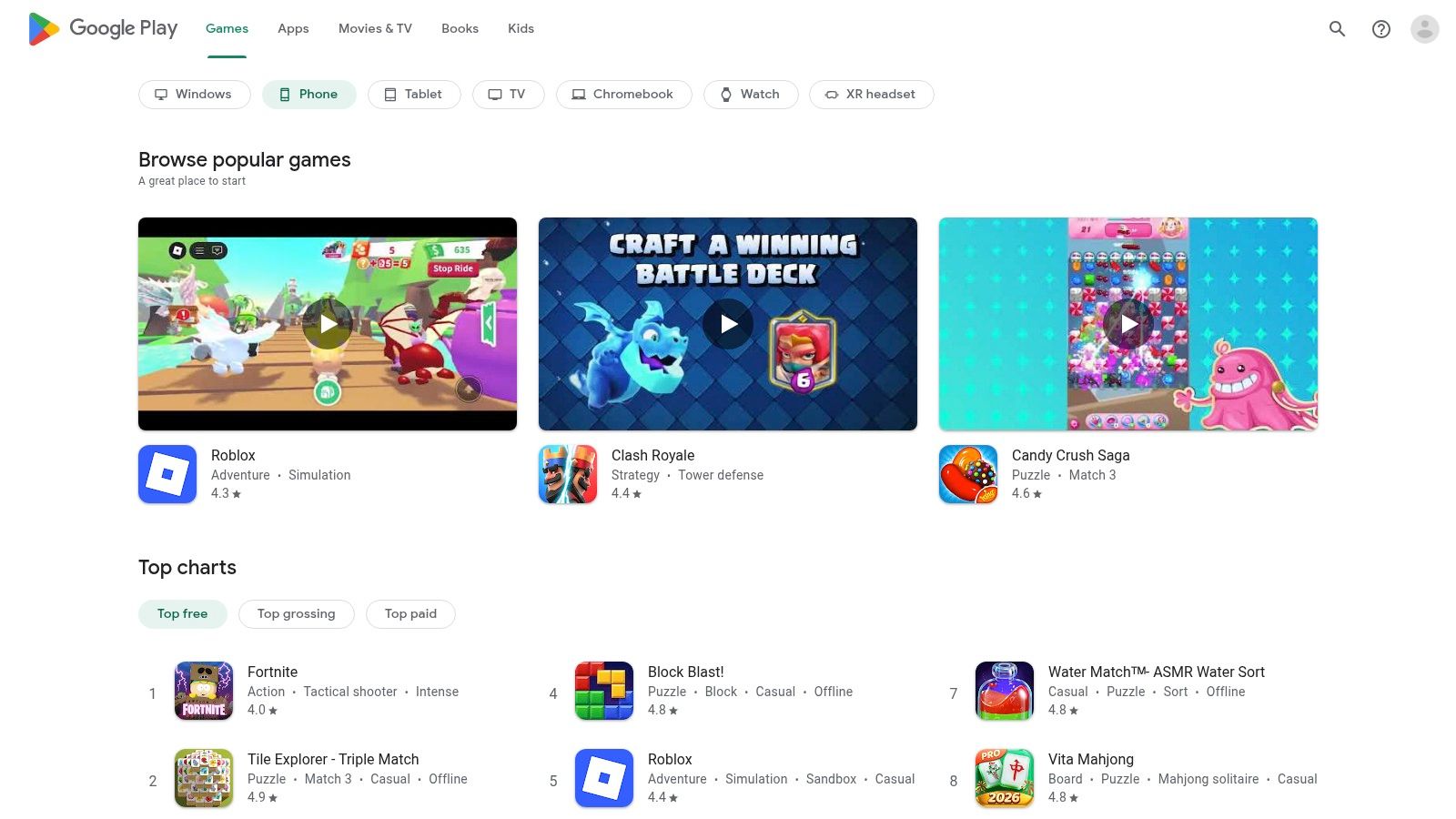
The platform relies heavily on user-generated feedback, with ratings and detailed reviews playing a crucial role in helping writers sift through the extensive selection. While its editorial curation is less pronounced than Apple's, its powerful search and categorisation algorithms make it straightforward to find apps suited to specific needs. The instant installation process and seamless updates tied to your Google account simplify app management significantly.
Key Considerations
Deep integration with the Google ecosystem means that many apps work flawlessly with Google Drive for cloud storage and syncing across your Android phone, tablet, and Chromebook. For families, the Google Play Family Library allows sharing of eligible purchased apps, offering great value. The primary drawback is the variability in quality; the sheer volume of apps means that polish and performance can differ dramatically between developers and even across different Android devices. Pricing is diverse, with a large number of free, ad-supported options alongside one-time purchases and subscriptions. For users in the Netherlands, all prices are shown in euros, inclusive of VAT, and managed directly through your Google account.
- Best For: Android and ChromeOS users seeking a wide variety of writing tools with flexible pricing and ecosystem integration.
- Pricing: Varies (Free with ads, one-time purchase, subscription-based).
- Availability: Android, ChromeOS.
3. Microsoft Store
For writers operating within the Windows ecosystem, the Microsoft Store serves as the official and most secure marketplace for discovering a wide range of apps for writing. It acts as a centralised hub, offering everything from simple note-takers and Markdown editors to more comprehensive organisational tools. Its primary advantage is the seamless integration with Windows, providing one-click installations, automatic updates, and straightforward licence management directly through your Microsoft account.
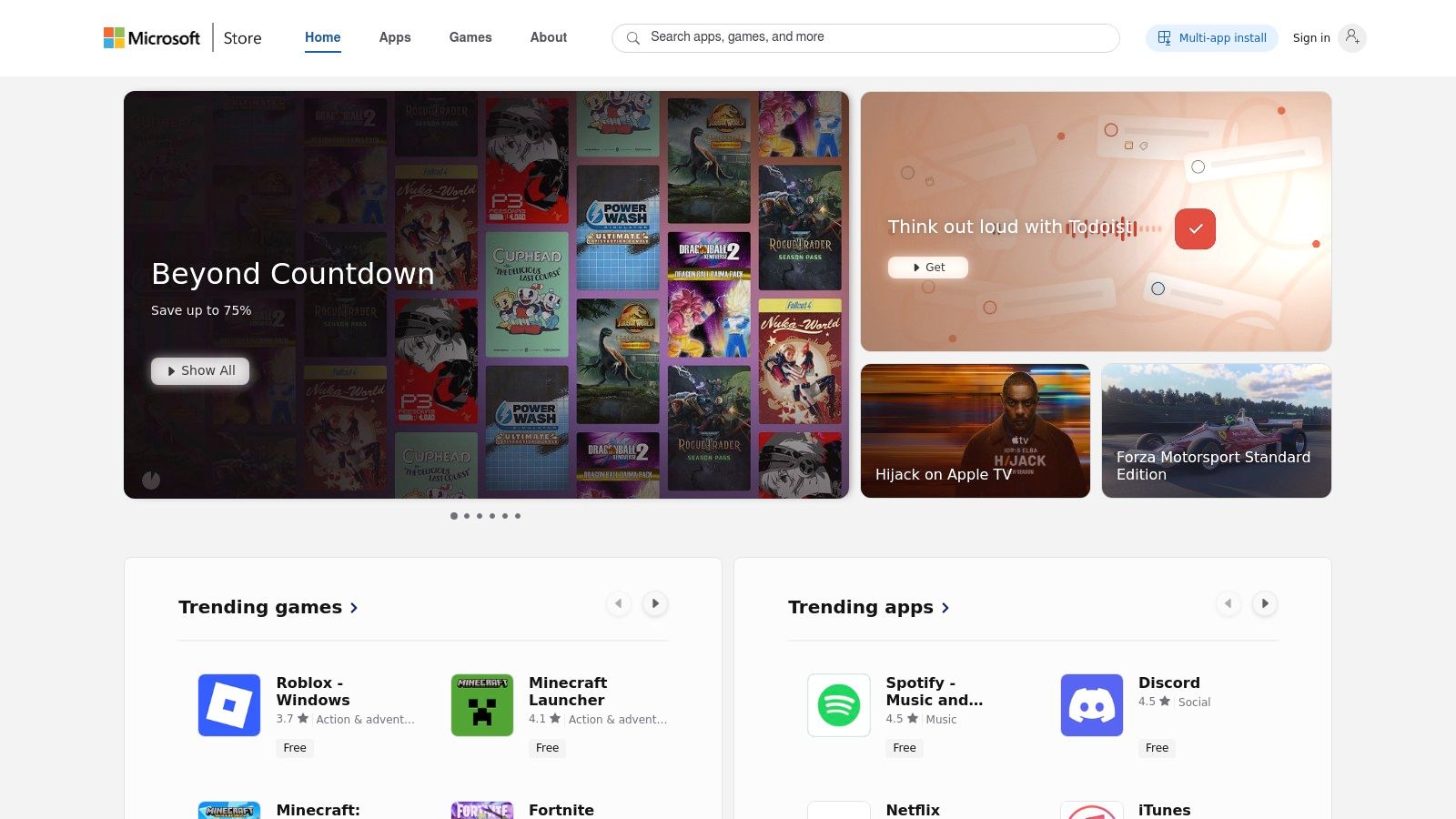
The platform is organised for easy navigation, with categories and search functions that help you find suitable applications. Each product page provides essential details, including user reviews, system requirements, and developer information, allowing you to assess an app’s suitability before committing. This trusted distribution model eliminates the risks associated with downloading software from third-party websites.
Key Considerations
The Microsoft Store streamlines the entire process from discovery to maintenance, making it a reliable choice for Windows users. However, its catalogue, while growing, can feel less extensive than mobile-centric app stores, particularly for highly specialised or niche writing tools. Some prominent applications are still distributed independently by developers via their own websites. The user experience is clean and integrated into the Windows 10 and 11 interfaces, and transactions are handled securely. For users in the Netherlands, all pricing is displayed in euros and includes VAT for transparent purchasing.
- Best For: Windows users seeking a secure, centralised platform for discovering, installing, and managing writing applications.
- Pricing: Varies (Free, one-time purchase, subscription-based).
- Availability: Windows 10, Windows 11.
4. Setapp
Setapp offers a unique approach for writers, functioning as a subscription service that unlocks a curated library of over 260 Mac, iOS, and web applications. Instead of purchasing individual apps for writing, a single monthly fee grants full access to a diverse catalogue, which includes powerful tools like Ulysses, iA Writer, and MarsEdit. This model eliminates the risk of buying an app only to find it doesn’t suit your workflow, as you can freely experiment with multiple premium options.
The platform is designed for discovery and convenience. The Setapp desktop client organises apps by category, making it simple to find and install tools for everything from mind-mapping your next novel to focused, distraction-free drafting. All apps are the full, professional versions without ads or in-app purchases, and updates are handled automatically in the background, ensuring you always have the latest features.
Key Considerations
The primary value of Setapp is its cost-effectiveness for users who need more than one or two premium applications. The curated nature of the collection ensures a high standard of quality, saving you time you might otherwise spend researching and vetting tools. However, its strength is heavily focused on the Mac ecosystem; Windows support is not a priority. For users in the Netherlands and the wider EU, the introduction of Setapp Mobile provides a dedicated iOS app marketplace, though it requires an EU-based Apple account and iOS 17.4 or newer. The 7-day free trial is an excellent way to explore its offerings before committing.
- Best For: Mac users who utilise multiple premium apps for writing, productivity, and creative work and prefer a single, predictable subscription.
- Pricing: Starts from €9.30 per month (VAT included).
- Availability: macOS, iOS, Web.
5. Scrivener (Literature & Latte)
For novelists, academics, and screenwriters managing complex, long-form projects, Scrivener is less a simple word processor and more a complete writing studio. It is one of the most powerful apps for writing designed specifically to handle large manuscripts. Its core strength is its organisational prowess, allowing you to break down a daunting project into manageable chunks, rearrange scenes on a virtual corkboard, and keep extensive research, notes, and character sketches just a click away from your draft.
The platform shines during the structuring and restructuring phases of writing. You can view your work as an outline, a collection of index cards, or a continuous text, seamlessly switching between modes to gain new perspectives on your narrative flow. Its "Compile" function is incredibly robust, offering granular control when exporting your manuscript to standard formats like DOCX, PDF, and ePub, making it invaluable for both submission and self-publishing.
Key Considerations
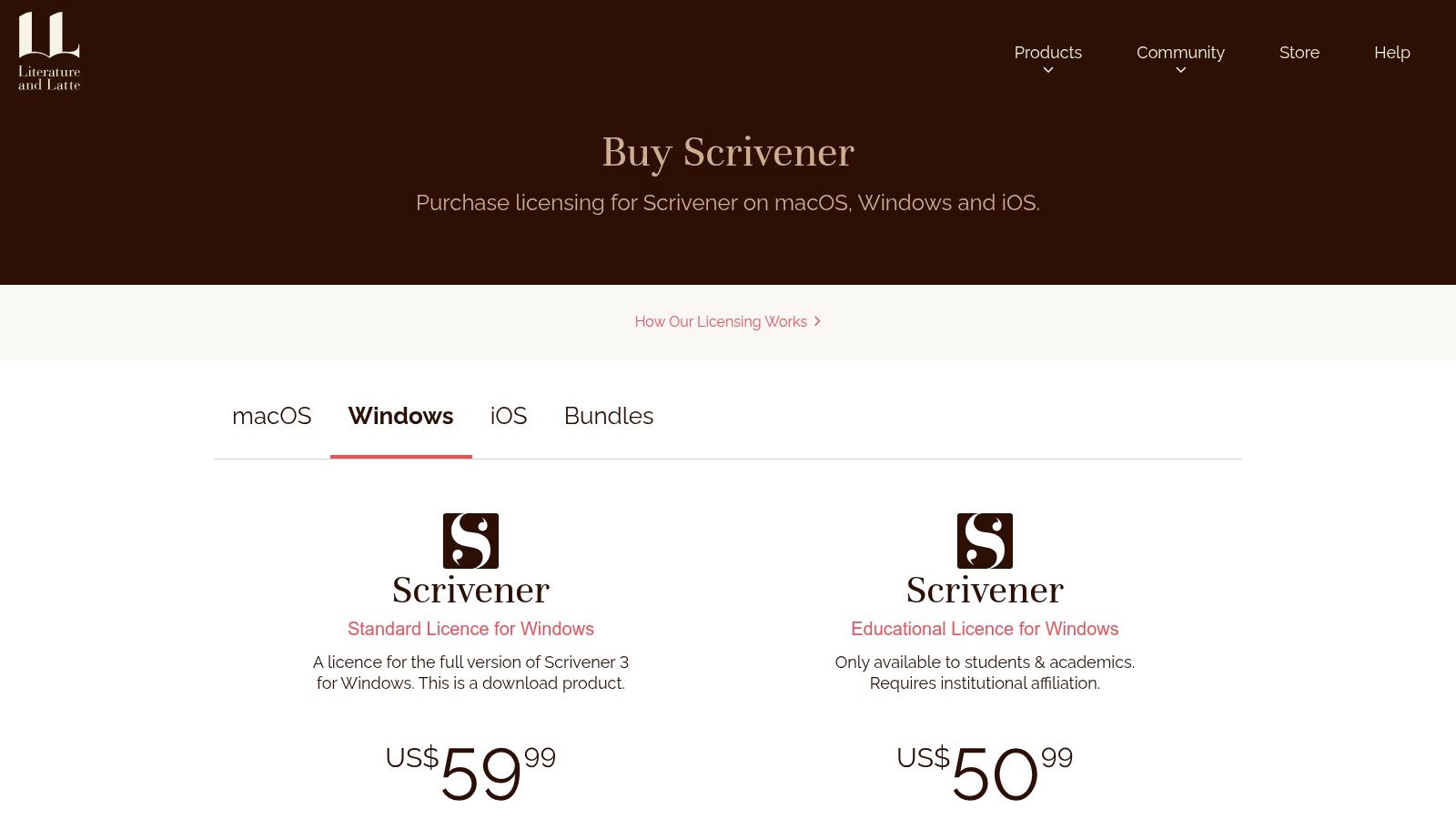
Scrivener's power comes with a steeper learning curve than minimalist text editors, though its generous 30-day trial (based on actual days of use, not a calendar month) provides ample time to learn the ropes. The desktop versions for macOS and Windows are sold as one-time purchases, a major advantage for those avoiding subscription fatigue. While there is an iOS app for writing on the go, syncing between devices typically relies on a third-party service like Dropbox. When evaluating Scrivener, it can be helpful to see how it stands against other dedicated tools, such as in this Novelium vs Scrivener comparison. It's a tool built for the dedicated author who needs project management integrated into their writing environment, similar to how traditional writing workshops provide structured feedback.
- Best For: Authors, researchers, and screenwriters working on book-length or research-heavy projects requiring extensive organisation.
- Pricing: One-time purchase (around €60 for a standard licence); separate purchase for each platform (macOS, Windows, iOS).
- Availability: macOS, Windows, iOS.
6. Ulysses
Ulysses is a premier, distraction-free writing environment designed exclusively for the Apple ecosystem. It combines a clean, minimalist interface with powerful organisational features, making it one of the most beloved apps for writing among authors, bloggers, and academics. Its core strength lies in its unified library, where all your texts live in one place, from simple notes to a multi-chapter novel, all seamlessly synced across your Mac, iPad, and iPhone.
The app is built around a robust, plain-text-enhanced editor that uses Markdown for formatting. This allows writers to focus on the content without being distracted by complex toolbars. Features like writing goals, keyword labels, and advanced filters help you stay organised and track your progress. When your work is complete, Ulysses offers powerful export options to PDF, DOCX, ePub, and HTML, along with direct publishing to WordPress and Medium.
Key Considerations
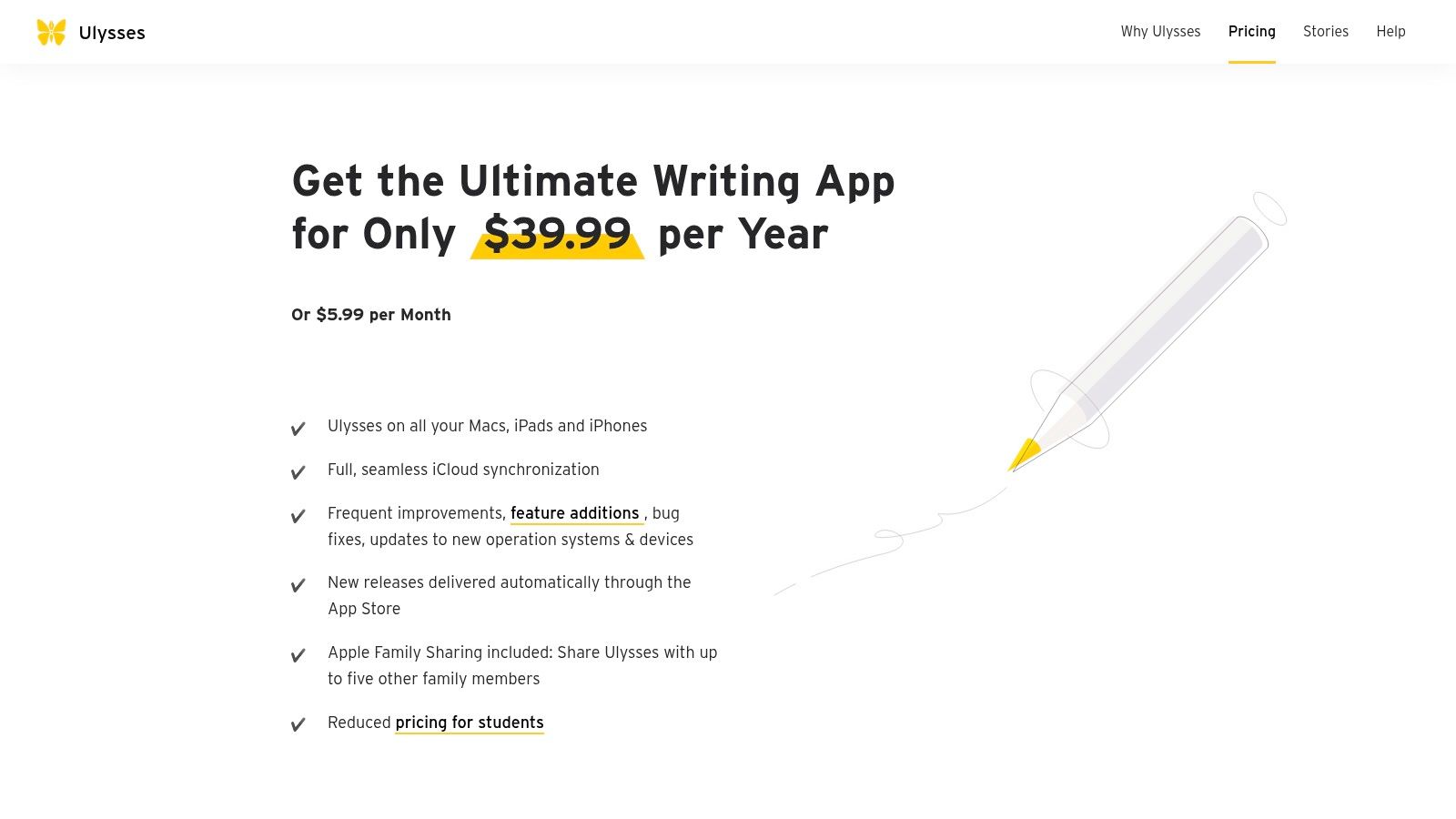
The seamless iCloud sync and elegant user experience make Ulysses a joy to use. The platform’s minimal setup allows you to start writing almost immediately, and its clean interface is customisable to suit your preferences. However, its biggest limitations are its exclusivity to Apple devices and its subscription-only pricing model, which might not appeal to all users. For families, the app supports Family Sharing, adding significant value. All transactions are handled via the App Store, with prices displayed in euros for users in the Netherlands.
- Best For: Bloggers, authors, and students within the Apple ecosystem who value a polished, unified, and distraction-free writing experience.
- Pricing: Subscription-based (monthly or yearly plans available).
- Availability: macOS, iOS, iPadOS.
7. iA Writer
For writers seeking a pure, uncluttered space to focus on words, iA Writer is a leading choice among apps for writing. It strips away the complex menus and formatting palettes common in other editors, offering a minimalist Markdown-based environment designed to keep you in a state of flow. Its philosophy is built on well-tuned typography and a clean interface, making it ideal for drafting articles, essays, and newsletters without distraction.
The platform’s strength lies in its simplicity and powerful focus tools. Features like Focus Mode, which highlights only the current sentence or paragraph, and Style Check, which helps identify redundant words and weak phrasing, actively improve your writing clarity. It handles local files with ease and offers optional cloud synchronisation via services like iCloud, Dropbox, or Google Drive, ensuring your work is always accessible.
Key Considerations
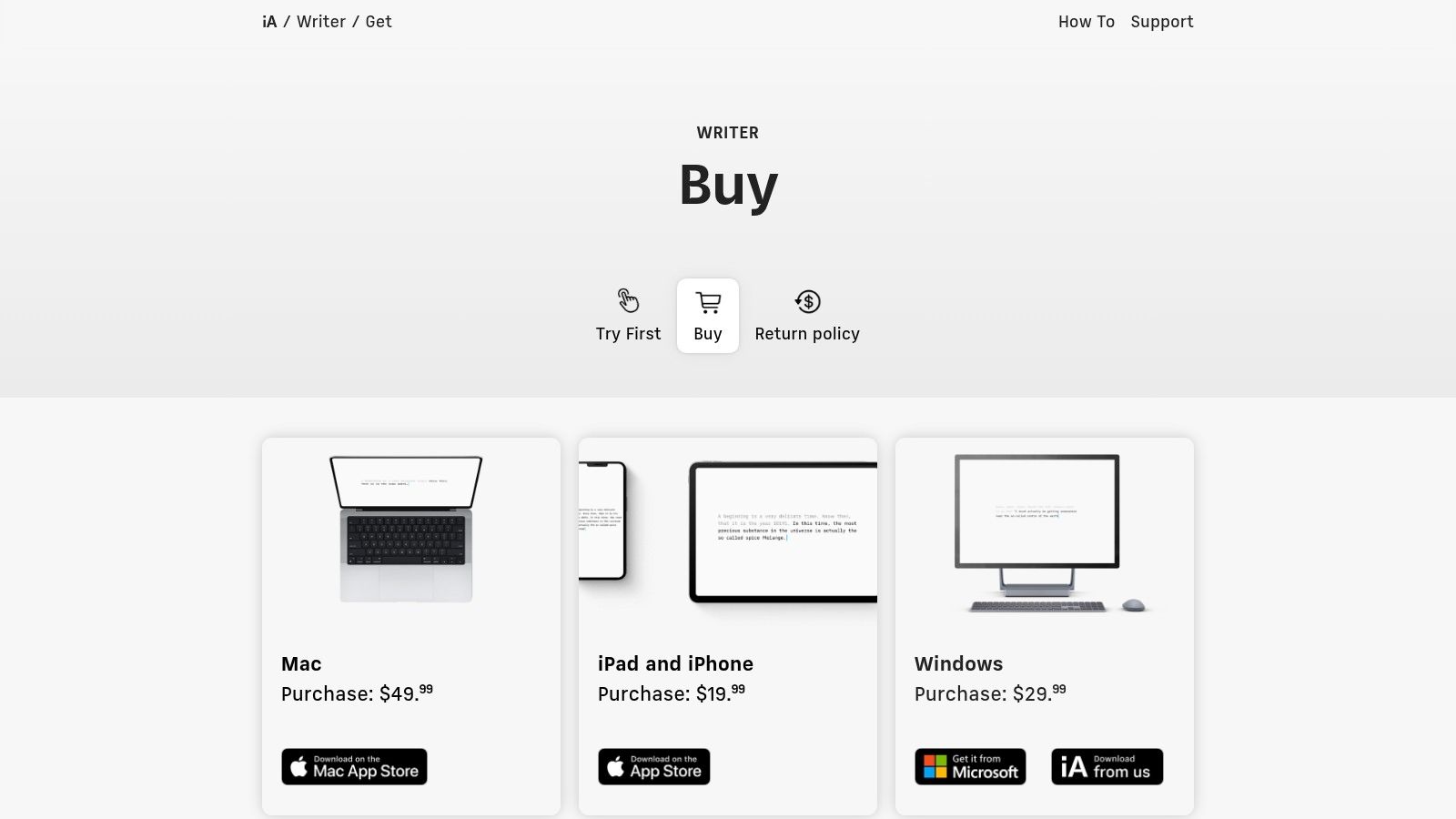
iA Writer is praised for its one-time purchase model per platform, a refreshing alternative to the subscription trend. The application is fast, responsive, and has a minimal learning curve, allowing you to start writing productively almost immediately. However, its greatest strength is also a limitation; it lacks the comprehensive project management features found in competitors like Scrivener or Ulysses, making it less suitable for complex, long-form projects like novels. Another key point is that you must purchase separate licences for each operating system (macOS, Windows, iOS, and Android), which can add up if you work across multiple platforms.
- Best For: Bloggers, students, and journalists who value a minimalist, distraction-free environment for drafting and editing text.
- Pricing: One-time purchase per platform (e.g., €59.99 for Mac, €35.99 for Windows).
- Availability: macOS, Windows, iOS, Android.
8. Obsidian
Obsidian is less a simple writing app and more a powerful, privacy-first knowledge base built on local Markdown files. It excels as a platform for writers who need to connect complex ideas, manage extensive research, and build a "second brain". Its unique approach centres on bidirectional linking and a graph view, allowing you to visualise the relationships between notes, making it one of the most dynamic apps for writing long-form, research-heavy projects like theses, novels, or non-fiction books.
The platform's core strength is its extensibility. Through a vast ecosystem of community-built plugins, you can customise your workspace with features like Kanban boards, calendars, citation managers, and advanced outlining tools. This modularity means Obsidian can be as minimalist or as feature-rich as your workflow demands. The learning curve can be steep for newcomers, but the payoff is an infinitely adaptable and future-proof writing environment where you own and control your data.
Key Considerations
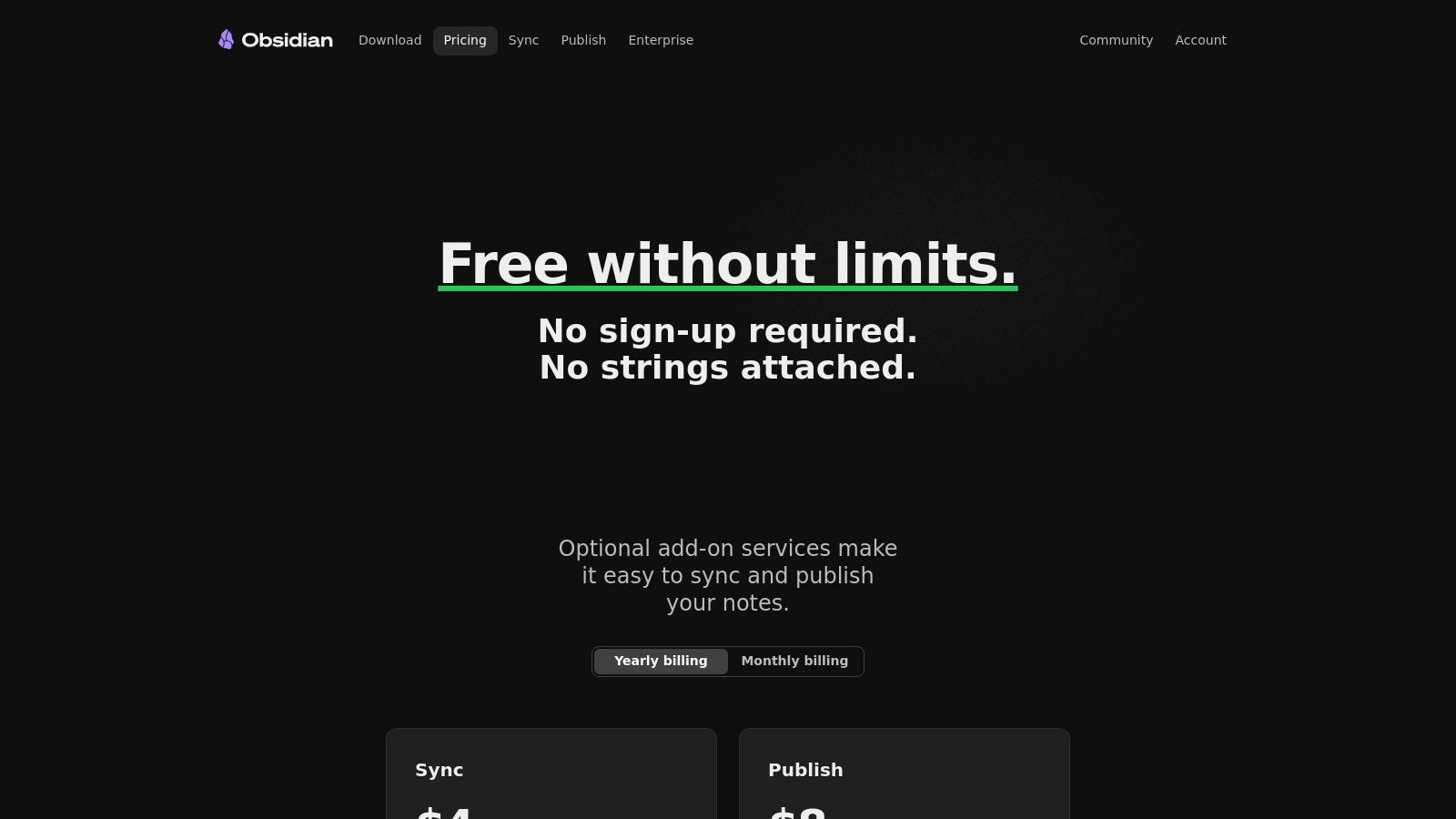
Because all your files are stored locally as plain text Markdown files, your work is never locked into a proprietary format. This emphasis on data ownership is a significant draw for many users. The core application is free for personal use, but premium add-ons are available for features like end-to-end encrypted sync (Obsidian Sync) and web publishing (Obsidian Publish). While powerful for solo projects and personal journaling-a practice with proven mental wellness benefits-native real-time collaboration requires workarounds or specific plugins. The user interface is clean, though navigating the extensive settings and plugins can initially feel overwhelming for new users.
- Best For: Researchers, academics, novelists, and non-fiction authors who need to build and navigate a web of interconnected ideas.
- Pricing: Free for personal use; paid add-ons for Sync and Publish start from approximately €9.30 per month.
- Availability: Windows, macOS, Linux, iOS, Android.
9. Grammarly
Grammarly is an indispensable AI-powered writing assistant that functions as a second pair of eyes on your work. Rather than being a primary writing environment, it acts as a sophisticated proofreader and style coach that integrates almost everywhere you write. Its core strength lies in its ability to provide real-time feedback on grammar, spelling, punctuation, clarity, and tone, making it one of the most versatile apps for writing professionals and students alike.
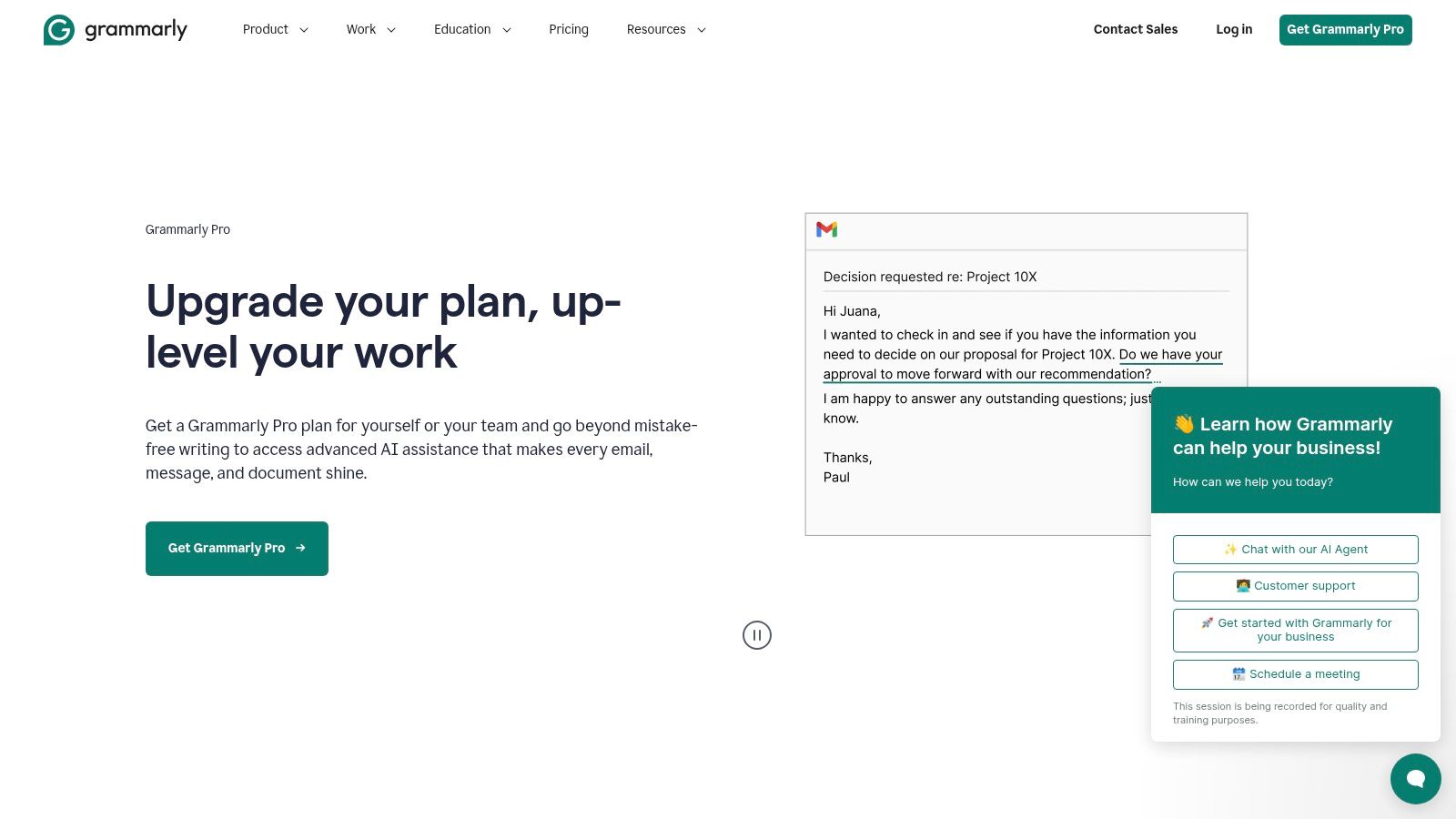
The platform operates through browser extensions, dedicated desktop applications, and direct integrations with popular software like Microsoft Word and Google Docs. This widespread availability ensures your writing is polished, whether you are drafting an email, composing a blog post, or finalising an academic paper. Its suggestions go beyond simple error correction, offering rewrites for conciseness and providing generative AI prompts to help overcome writer's block.
Key Considerations
Grammarly’s user experience is seamless; its suggestions appear as non-intrusive underlines that you can accept or dismiss with a single click. The free version offers robust grammar and spelling checks, but its true power is unlocked with the Premium plan, which includes advanced feedback on style, tone, and plagiarism. A constant internet connection is required for the service to function, which can be a limitation for offline work. For organisations, Grammarly Business provides centralised controls and style guides to ensure team-wide consistency.
- Best For: Writers of all types who need an automated proofreader and style editor to improve clarity and correctness across multiple platforms.
- Pricing: Free basic plan; Premium and Business plans available via subscription.
- Availability: Web, Windows, macOS, iOS, Android, browser extensions, and various integrations.
10. ProWritingAid
ProWritingAid goes far beyond a simple spellchecker, positioning itself as a comprehensive editing suite and writing mentor. It is one of the most in-depth apps for writing available, designed for authors, editors, and students who require granular feedback on their manuscripts. Its power lies in its 25+ distinct reports, which analyse everything from style and grammar to pacing, dialogue tags, and sentence structure, providing actionable insights to elevate your prose.
The platform stands out by offering author-oriented feedback that surface-level grammar tools often miss. It helps you identify overused words, eliminate clichés, improve readability, and ensure stylistic consistency. The rephrasing and AI-powered tools provide creative suggestions, while integrations for Word, Google Docs, Scrivener, and web browsers ensure it fits seamlessly into your existing workflow.
Key Considerations
ProWritingAid’s tiered plans allow users to select the depth of analysis they need, from a capable free version to a premium tier with unlimited reports and advanced features. The sheer volume of reports can feel overwhelming for short or casual writing tasks, making it better suited for long-form projects. Pricing varies by country, and Dutch users will find costs presented clearly, though some of the most powerful features are reserved for higher-priced plans. The user experience is data-rich, presenting complex analyses in an accessible format to guide your revisions effectively.
- Best For: Authors, editors, and serious writers seeking deep, data-driven feedback to polish long-form manuscripts.
- Pricing: Free basic version; Premium and Premium Pro plans available via monthly, yearly, or lifetime subscriptions.
- Availability: Web editor, Desktop app (Windows, macOS), and integrations for most major browsers and writing software.
11. Reedsy Studio
Reedsy Studio is a powerful, free, and entirely browser-based book production tool designed specifically for authors preparing for publication. It moves beyond simple text editing by integrating writing, formatting, and professional services into a single, cohesive platform. Its standout feature is its ability to automatically typeset a manuscript into a professional-grade book interior, saving authors countless hours and the cost of a designer.
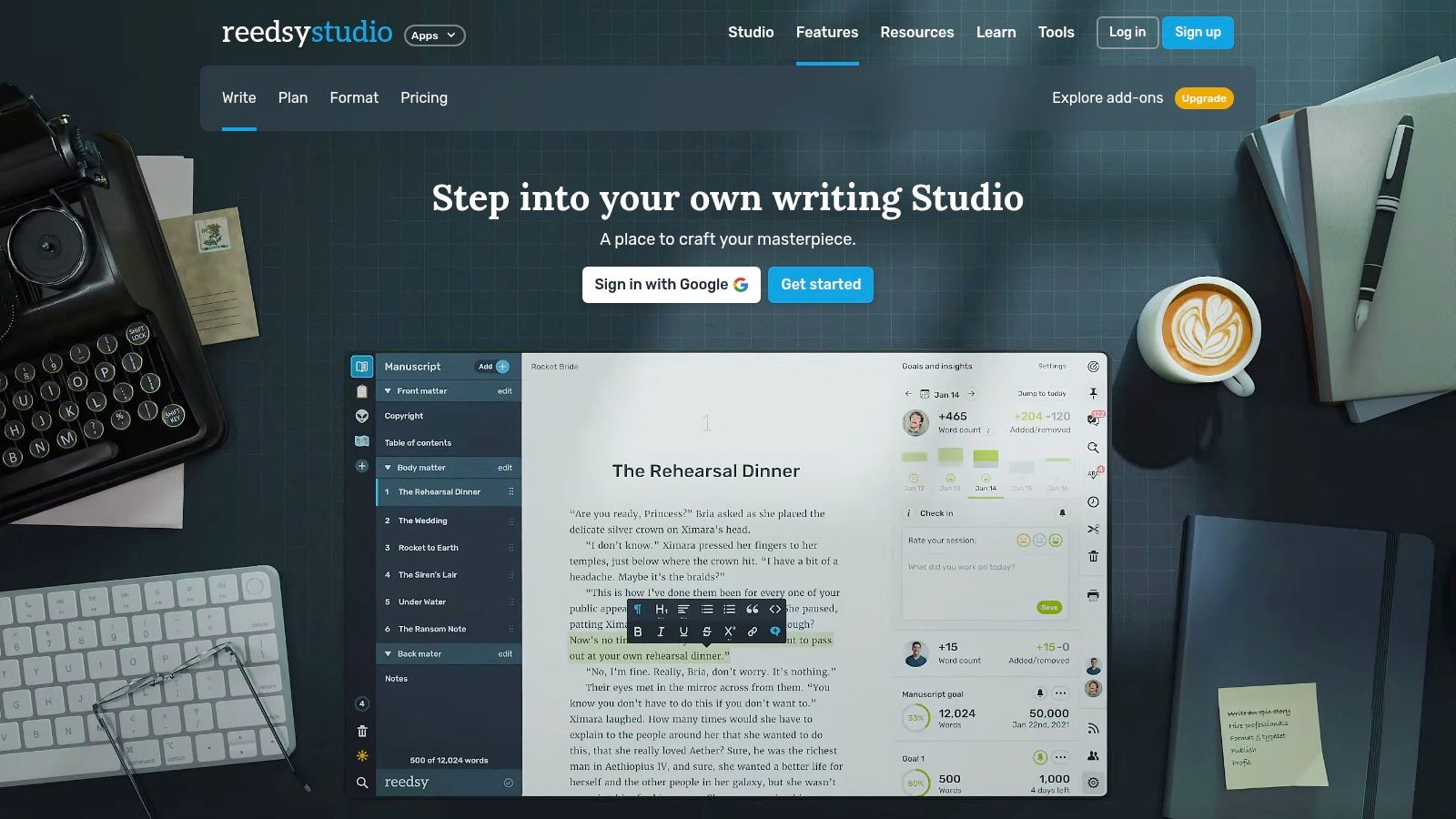
The platform offers a clean, distraction-free editor that keeps the focus firmly on the words. As you write, you can set project goals, track your progress with a helpful timeline, and manage versions with its built-in history tracker. When your draft is complete, Reedsy Studio can export it into beautifully designed, print-ready PDFs and EPUB files suitable for any major online retailer or print-on-demand service. This makes it one of the most practical apps for writing for independent authors.
Key Considerations
The core strength of Reedsy Studio lies in its ecosystem. It is directly connected to the Reedsy marketplace, allowing authors to seamlessly find and collaborate with vetted professional editors, designers, and marketers without ever leaving the platform. The writing and formatting tools are completely free, making it an accessible option for any author. However, its primary limitation is the lack of a dedicated offline mode, requiring a constant internet connection to work on your manuscript. Collaboration features are also more focused on the author-editor relationship rather than co-authoring. While it is not an AI writing tool itself, you can learn more about how AI assists writers with a guide to ChatGPT alternatives and AI writing tools.
- Best For: Independent authors and novelists who need a free, all-in-one tool for writing, formatting, and preparing a book for self-publishing.
- Pricing: Free for the core writing and formatting tools; paid services available through the marketplace.
- Availability: Web browser.
12. Final Draft
For aspiring and professional screenwriters, Final Draft is the undisputed industry standard among apps for writing cinematic stories. It is purpose-built software designed to handle the unique formatting and structural demands of screenplays, teleplays, and stage plays. Its core strength lies in its ability to automatically format scripts to professional specifications, freeing the writer to focus purely on characters, dialogue, and plot.
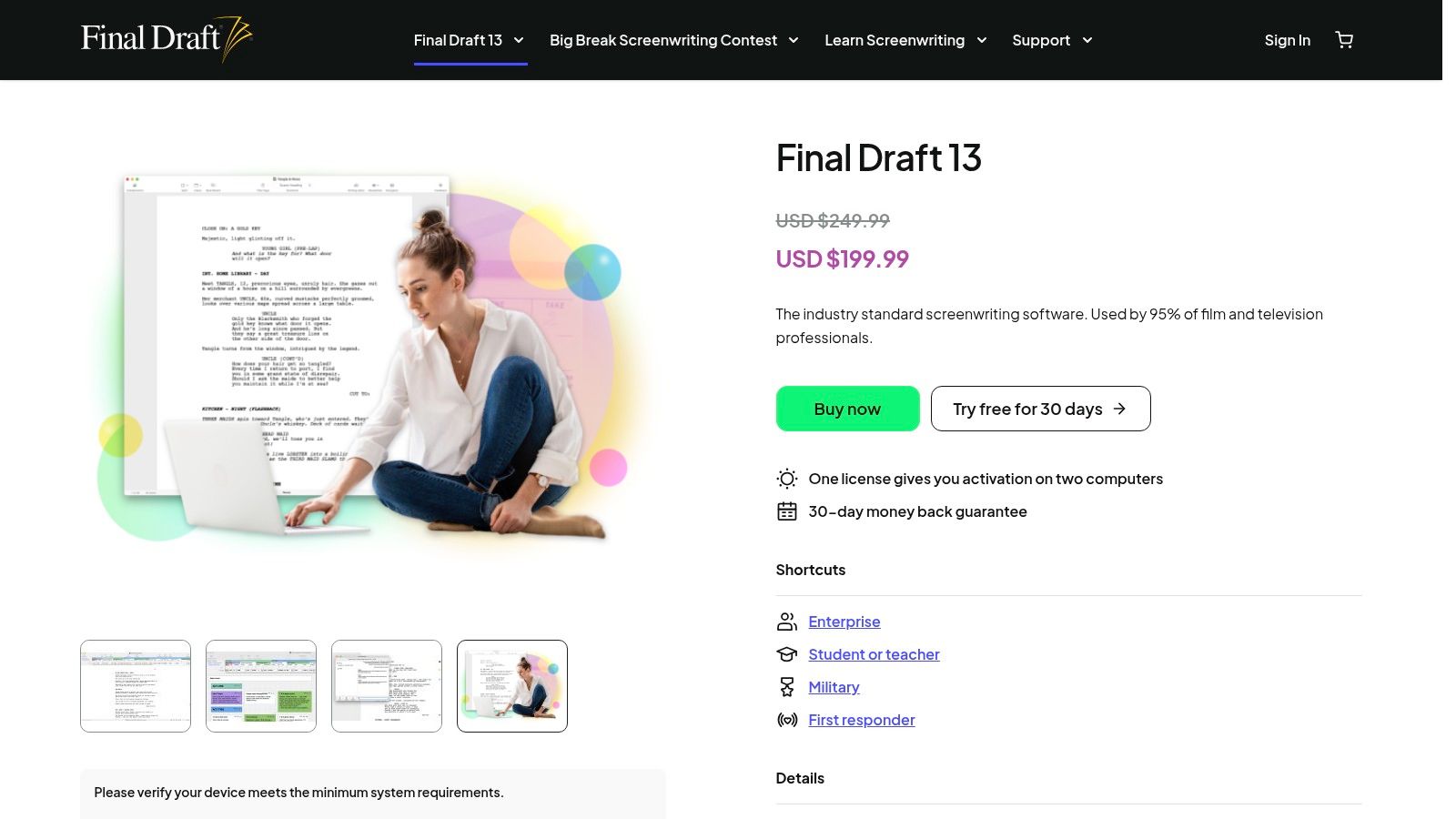
The platform goes beyond simple formatting with powerful organisational tools. The Beat Board and Outline Editor allow for visual story planning, enabling writers to structure scenes and sequences before committing them to the page. Its deep feature set includes revision tracking, production reporting for elements like cast and locations, and real-time collaboration, making it an essential tool in professional writing rooms and production pipelines.
Key Considerations
Final Draft’s deep integration into the film and television industry means that delivering a script in its native file format (.fdx) is often expected. This makes it a near-essential investment for anyone serious about a screenwriting career. However, its specialised nature and higher one-time purchase price make it overkill for novelists or general prose authors. The user interface is dense with features, which can present a steep learning curve for beginners, though extensive tutorials and support are available. The software is a standalone purchase, so there are no recurring subscription fees, which many users will find appealing.
- Best For: Professional and aspiring screenwriters who need industry-standard formatting and production-ready features.
- Pricing: One-time purchase (around €230, with paid upgrades for major versions).
- Availability: macOS, Windows, iOS.
Top 12 Writing Apps — Feature & Pricing Snapshot
| Product | Core features ✨ | UX & Quality ★ | Value & Price 💰 | Best for 👥 | Standout 🏆 |
|---|---|---|---|---|---|
| Apple App Store | Curated marketplace, editorial picks, device integration | ★★★★ | 💰 Variable; localized pricing (VAT) | 👥 iOS/macOS users seeking vetted apps | 🏆 Strong curation & platform integration |
| Google Play Store | Massive catalog, user ratings, cross‑device installs | ★★★ | 💰 Variable; frequent promotions | 👥 Android & ChromeOS users | 🏆 Wide availability & scale |
| Microsoft Store | Windows apps, centralized installs & updates, accessibility info | ★★★ | 💰 Mixed (free & paid; some external) | 👥 Windows users wanting safe installs | 🏆 Centralized license/update management |
| Setapp | Subscription access to curated Mac/iOS apps, auto updates | ★★★★ | 💰 Subscription — cost‑effective if many apps | 👥 Mac users who use multiple tools | 🏆 Curated all‑you‑can‑use app bundle |
| Scrivener (Lit & Latte) | Binder, corkboard, compile/export, project tools | ★★★★ | 💰 One‑time desktop license | 👥 Novelists & research‑heavy authors | 🏆 Robust manuscript & project management |
| Ulysses | Markdown editor, iCloud sync, publish to platforms | ★★★★ | 💰 Subscription (Apple‑only) | 👥 Essayists/bloggers in Apple ecosystem | 🏆 Smooth, minimal UX & publishing |
| iA Writer | Minimal Markdown, Focus Mode, Style Check | ★★★★ | 💰 One‑time per platform | 👥 Writers seeking distraction‑free drafting | 🏆 Clean typography & focus tools |
| Obsidian | Local Markdown vaults, graph view, plugin ecosystem | ★★★★ | 💰 Core free; paid sync/publish add‑ons | 👥 Researchers & knowledge builders | 🏆 Privacy‑first, highly extensible graph notes |
| Grammarly | Real‑time grammar, style & tone, cross‑app integrations | ★★★★ | 💰 Freemium; best features on paid plans | 👥 Students, professionals & teams | 🏆 Mature AI suggestions & integrations |
| ProWritingAid | 25+ reports, rephrasing, manuscript analysis | ★★★★ | 💰 Tiered pricing; advanced tiers pricier | 👥 Authors & editors needing deep feedback | 🏆 Granular manuscript diagnostics |
| Reedsy Studio | Browser editor, automatic typesetting, export to print/e‑book | ★★★★ | 💰 Core free; marketplace services paid | 👥 Self‑publishing authors | 🏆 Built‑in typesetting + pro marketplace |
| Final Draft | Automatic screenplay formatting, beat board, production tools | ★★★★★ | 💰 Higher upfront price | 👥 Professional screenwriters & production teams | 🏆 Industry standard for screenwriting |
Integrating Your New Tool: From Choice to Creative Workflow
We have journeyed through a comprehensive landscape of digital tools, from dedicated novel-writing environments like Scrivener to minimalist text editors such as iA Writer and powerful editing assistants like Grammarly. The sheer number of options can feel overwhelming, but the central takeaway is one of empowerment: there has never been a better time to find apps for writing that are perfectly synchronised with your unique creative process.
The ideal tool does not impose a rigid structure; instead, it adapts to you. It might be a single, all-encompassing application or, more likely, a curated ecosystem of several specialised programs working in harmony. Your choice is not a lifetime commitment but a strategic decision based on your current projects and goals.
Distilling Your Decision: Key Takeaways
Reflecting on the tools we have explored, from the long-form prowess of Ulysses to the collaborative strength of Reedsy Studio, several core themes emerge. The most effective choice hinges on three critical factors: your primary writing format, your collaboration needs, and your personal organisational style.
A novelist’s requirements for scene management and character tracking are vastly different from a blogger’s need for quick drafting and SEO integration. Similarly, a solo academic researcher using Obsidian for a personal knowledge base has a workflow worlds apart from a corporate team co-authoring a report in real-time. Before you finalise your choice, honestly assess these personal requirements. The best app is not the one with the most features, but the one with the right features for you.
Actionable Next Steps: Implementing Your New Writing Hub
Choosing an application is just the first step. True mastery comes from thoughtful integration into your daily habits. Avoid the temptation to migrate your entire life’s work into a new system at once. Instead, adopt a gradual, low-pressure approach to build confidence and muscle memory.
Follow these steps for a smooth transition:
- Start with a Pilot Project: Choose a small, low-stakes writing task, like a blog post, a short story, or meeting notes. This allows you to explore the app’s core functions without the pressure of a major deadline.
- Customise Your Workspace: Spend an hour personalising the interface. Adjust the font, set your preferred colour scheme, and organise the layout to minimise distractions. A comfortable environment encourages you to return.
- Learn Incrementally: Focus on learning just one or two new features or keyboard shortcuts each day. This gradual method prevents cognitive overload and embeds the commands into your long-term memory.
- Build Your "Workflow Stack": Remember that no single app must do everything. A powerful and flexible system often involves a combination of tools. You might draft raw text in iA Writer, organise complex research and character notes in Scrivener, and perform the final polish using ProWritingAid. This modular approach leverages the unique strengths of different apps for writing, creating a workflow that is greater than the sum of its parts.
Ultimately, the goal is to find a set of tools that becomes an invisible extension of your thoughts. The technology should fade into the background, clearing the path for your ideas to flow from mind to page with the least possible friction. This digital craftsmanship is a skill in itself, one that pays dividends in clarity, productivity, and creative fulfilment. By experimenting and intentionally building your digital writing environment, you are not just selecting software; you are architecting a better way to think and create.
Ready to build a more effective creative process around your new tools? At People & Media B.V., we specialise in courses and resources that help writers, creators, and professionals master their workflows. Explore our offerings at People & Media B.V. to discover how to transform your digital toolkit into a powerful engine for creativity and productivity.
Responses